 NFC Setup
NFC
Read, write, reset
Hold the phone to a tag to see its URL, install a new http or https link, or erase it so it can be written again.
Android utility
NFC Setup is a small tool for physical NFC tags and printed qrbulk.pro codes. No accounts. No ads. No analytics profile.
What it does
NFC
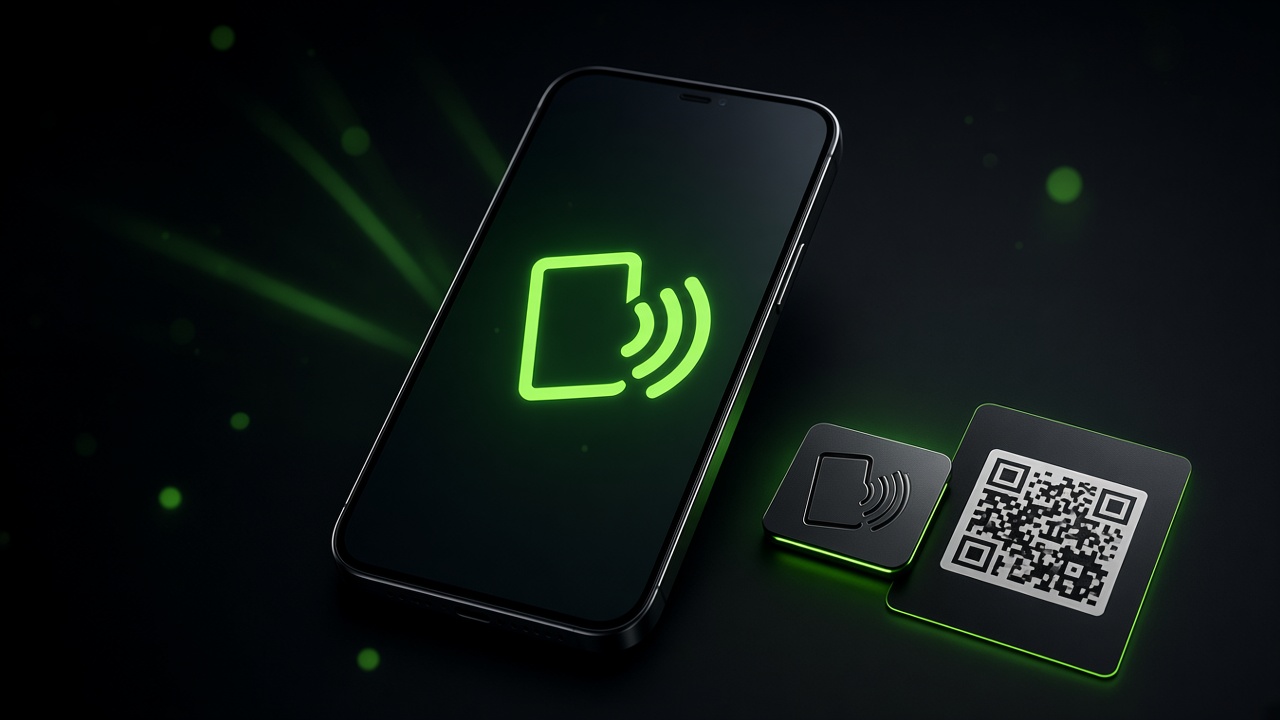
Hold the phone to a tag to see its URL, install a new http or https link, or erase it so it can be written again.
Dynamic QR
Point the camera at a printed qrbulk.pro code you manage. Read the destination, install a new URL, or reset it.
Share
Share a Google Maps place into the app and it can convert that place into a Google review URL before you write the tag.
How it works
Home is two cards. No accounts and no setup wizard.
NFC uses the phone radio. QR uses the camera only to read the printed code you point at it.
Type a link or read one from a tag. Only change printed codes you own or are allowed to manage.